The forgotten item is a lost sale
Painter's tape with the paint, blades with the saw. Checklist content at the decision point recovers add-on sales the big-box self-checkout never will.
Presently for Hardware & Home Goods
Every customer in a hardware store is mid-project, and projects have parts they forgot. The painter without a drop cloth, the deck builder without the right screws.
Presently puts project intelligence on screen: complete-the-project checklists near the registers, seasonal reminders timed to the calendar, and how-to features that position your store as the place that knows.
Painter's tape with the paint, blades with the saw. Checklist content at the decision point recovers add-on sales the big-box self-checkout never will.
Ice melt in November, mulch in April, grill season in June. Pre-scheduled seasonal campaigns flip your messaging on the calendar without anyone touching a poster.
Customers choose the local hardware store for advice. Rotating how-to content and 'ask us about' prompts make that expertise visible even when the aisle expert is helping someone else.
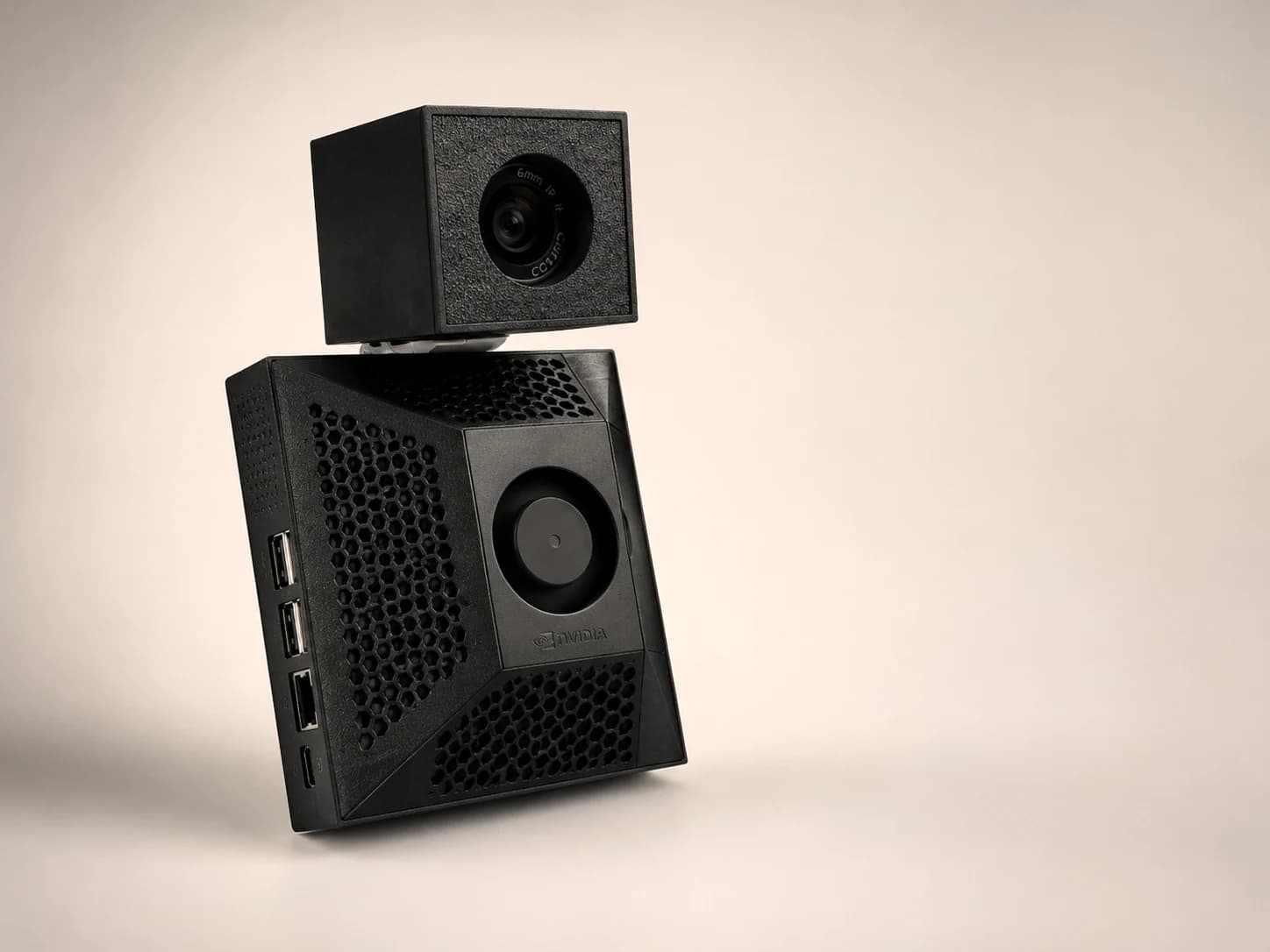
Presently detects approximate audience signals (age range, gender) with on-device computer vision, picks the best-matching content from your library, and discards the camera frame immediately. Raw images are not stored or transmitted; optional dashboards use aggregate rollups only.
Start at a decision point you can measure. One useful screen with a clear job is better than several screens repeating the same loop.
Put the checklist beside the primary product so customers see missing tools and materials before checkout.
Show bulk terms, service availability, and lead times for customers making a planned purchase.
Use calendar-controlled maintenance prompts with local timing instead of a year-round generic loop.
Give each campaign one audience, one action, and one success measure. Keep the first test live long enough to compare against a clean baseline.
Choose one project, list the three most-forgotten items, and measure attachment to the primary SKU.
Prepare creative in advance, then publish the relevant storm, heat, or freeze message when conditions warrant.
Pair one practical how-to tip with an ask-us prompt and the department where help is available.
This is the same routing logic that runs on the device. Pick a customer and watch the display pick the creative.
She walks up in leggings and sees the activewear wall, not a clearance banner.
Who walks up to the display · tap to try
The setup fee covers the pre-configured media player and activation. You supply an HDMI display; software and support are $79/month.
Playback runs from local cache. Internet outages do not blank the screen.
On-device inference. No images, video, biometric templates, or customer profiles are stored or transmitted.
Upload content, tag audiences, and see performance from the dashboard on your store WiFi.
The Presently founding pilot is $299 for the pre-configured media player and activation, then $79/month for software and support. You supply an HDMI display. Compare total cost using the linked ROI calculator before buying.
Yes. Current content is stored locally and playback continues during an internet outage. Connectivity is used to receive updates and report status when the connection returns.
Approximate audience signals are processed on the device to route content. Raw images, video, biometric templates, and customer profiles are not stored or transmitted.
Start with the complete hardware store signage guide, then check the payback math with the free ROI calculator and see how Presently stacks up in the platform comparison.